TIDY Concierge
The Concierge combines our AI agent with 24/7 humans to help.
AI can make mistakes. Please verify important information.
Users
You can add unlimited users to your TIDY account. Users allow your team to collaborate on property management, with each person having the right level of access for their role. Adding users has these advantages:
- Shared Data — Assign properties to each user so they can see job history, maintenance records, and more for those properties.
- Shared Inbox — Easily send messages to pros as a group, with anyone able to come in and out of the conversation.
- Access Control — Control access to certain properties or actions based on each user’s role.
User Roles
TIDY has three user roles, each with different levels of access:
- Owner — Full access to everything. There is one Owner per account, and this role cannot be changed or deleted.
- Account Admin — Can see all properties and all users. Can manage users, settings, and everything except deleting the account. Admins are not restricted to specific groups.
- Group Manager — Can only see and manage properties within their assigned group(s). Must belong to at least one group. This is ideal for team leads or regional managers who only need access to a subset of properties.
- When you change an Admin to a Group Manager, you must select a group for them. They will only see properties in that group going forward.
- When you change a Group Manager to an Admin, they are automatically removed from all groups and gain access to all properties.
- If a Group Manager is removed from their last group, they are automatically converted to an Admin.
Users List
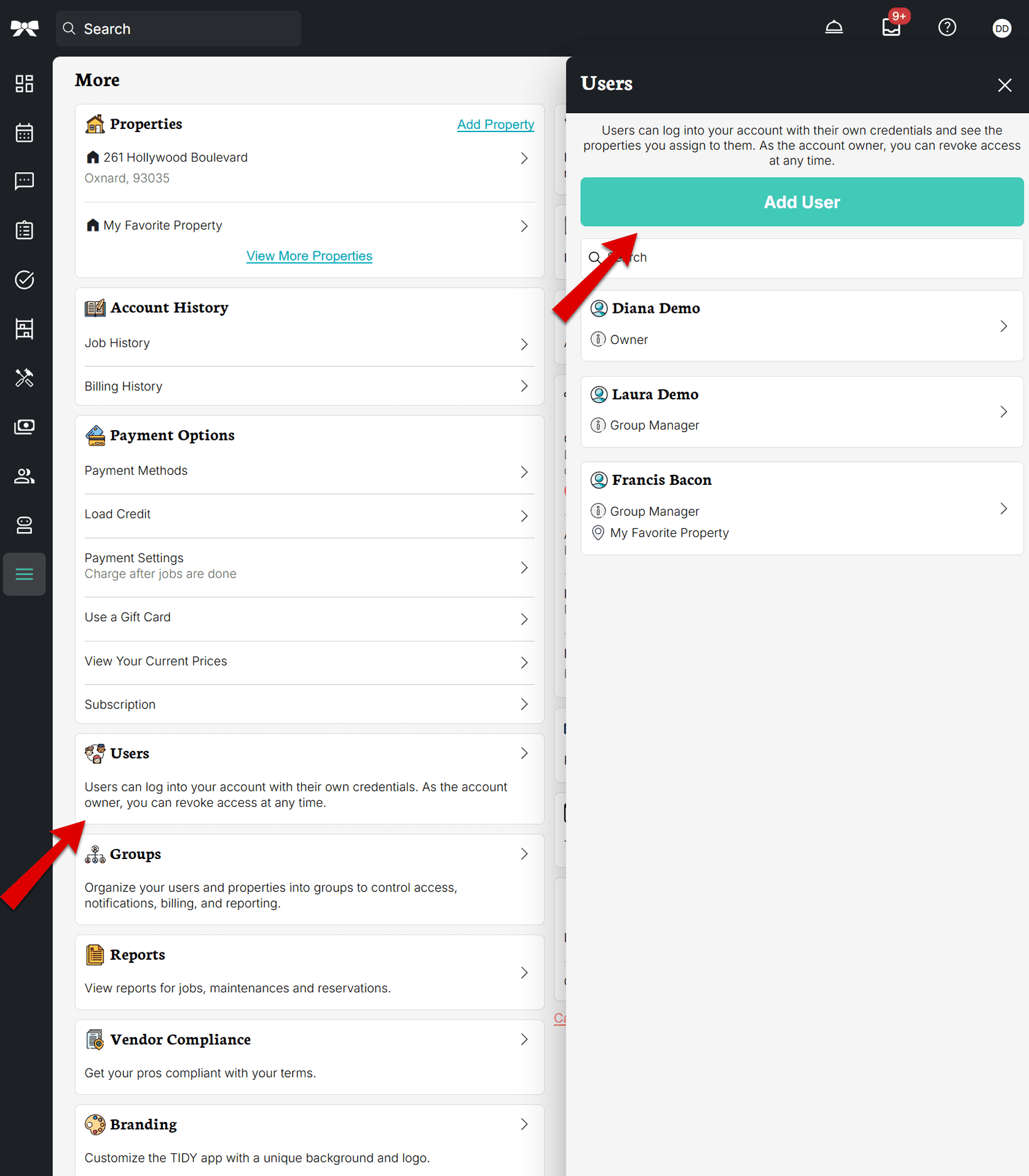
The Users page shows all users on your account as a searchable list. Each user card displays their name, role (Owner, Admin, or Group Manager), and which properties they have access to. Use the search box at the top to quickly find a user by name.
Adding a User
- Go to the "More" section
- Select "Users"
- Tap the "Add User" button
Fill in the following details for the new user:
- First Name and Last Name (required)
- Email (required)
- Password — You create a password to share with the new user. They can reset it anytime.
- User Type — Choose Account Admin or Group Manager
- Group — If you select Group Manager, you must choose an existing group or create a new one
After creating a user, the generated password is displayed so you can share it with them.
Viewing or Editing Users
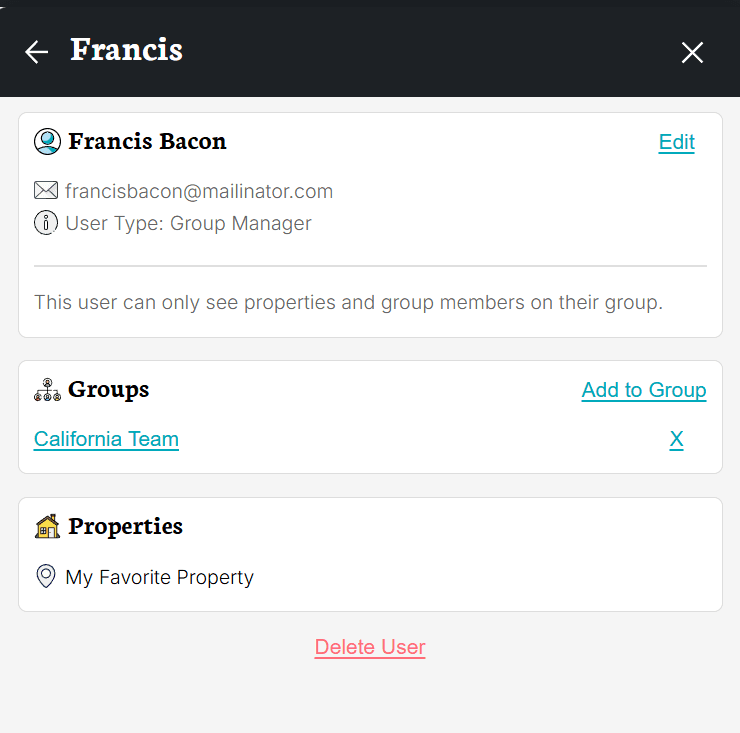
Tap on any user to see their full profile, including their name, email, phone, role, groups they belong to, and the properties they can access.

From the user detail page, you can:
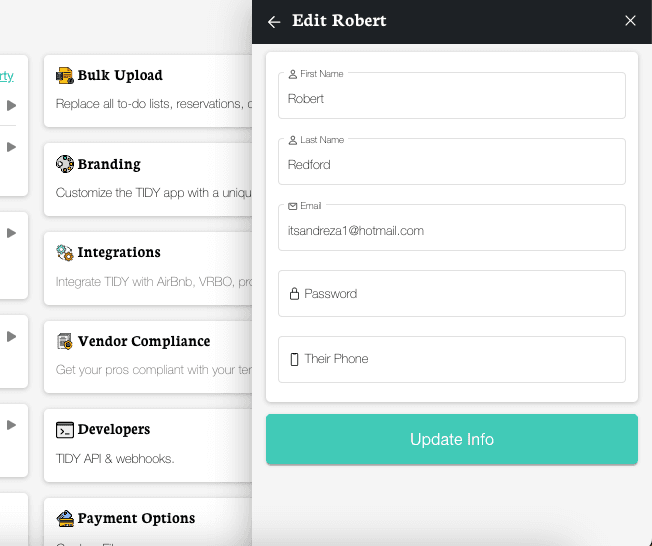
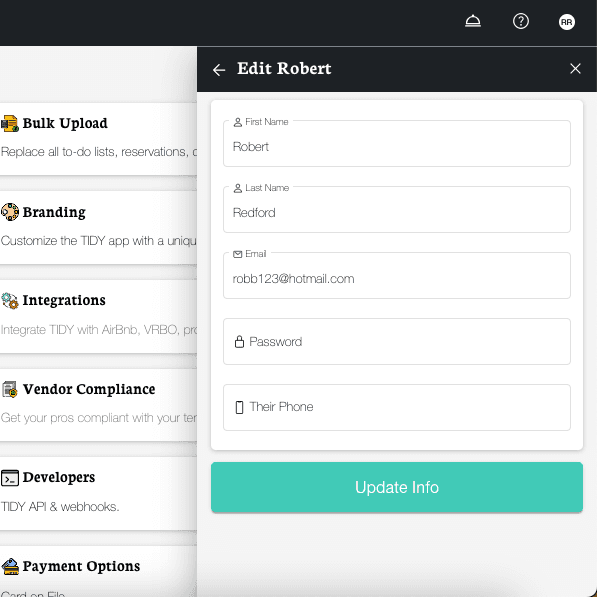
- Edit — Update their name, email, phone, password, or role
- Add to Group — Assign the user to a group
- Remove from Group — Remove them from a group (if it’s their last group, they will be converted to Admin)
- Delete User — Permanently remove the user from your account (requires confirmation)