
TIDY Concierge
The Concierge combines our AI agent with 24/7 humans to help.
AI can make mistakes. Please verify important information.
Checklists
At a high level, here is how it works.
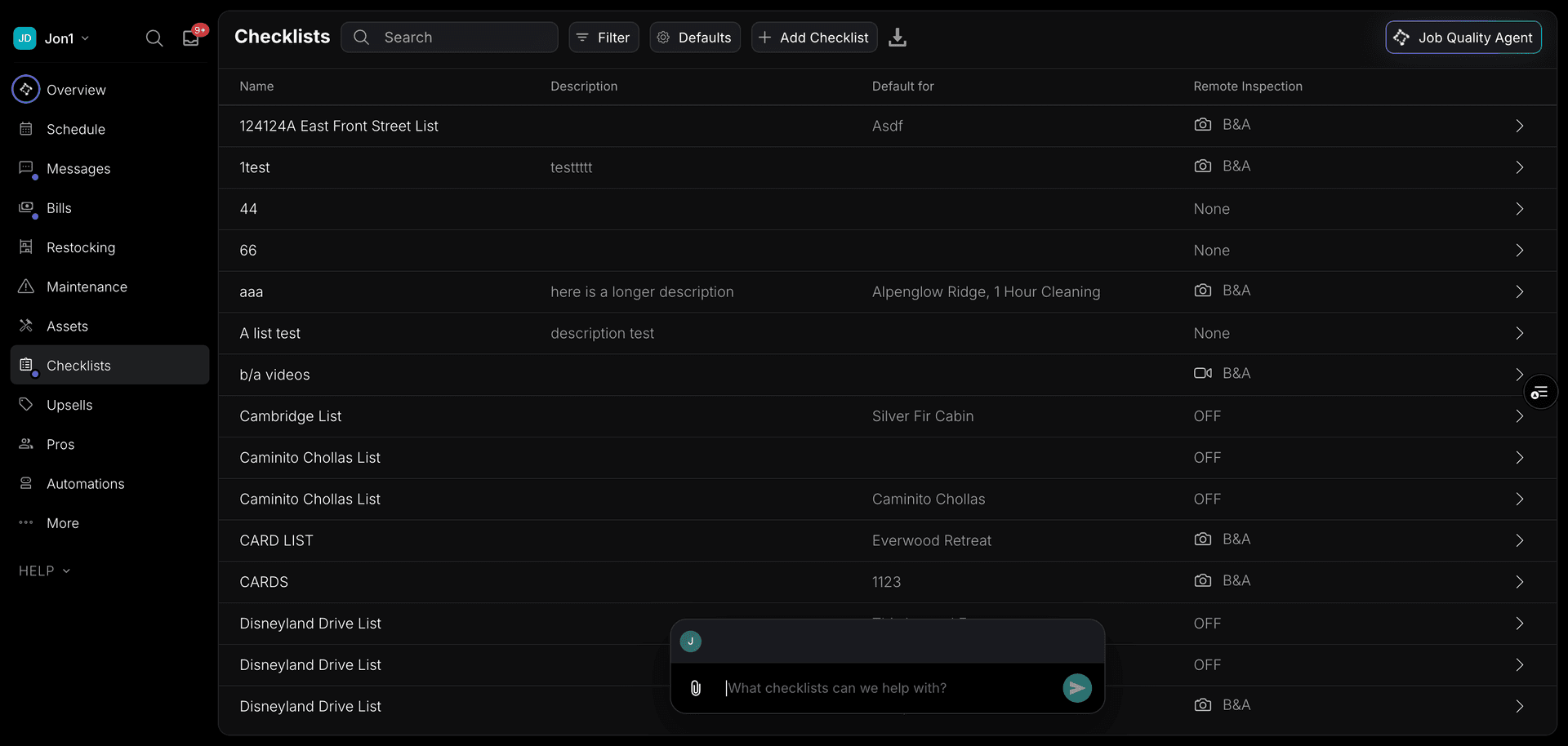
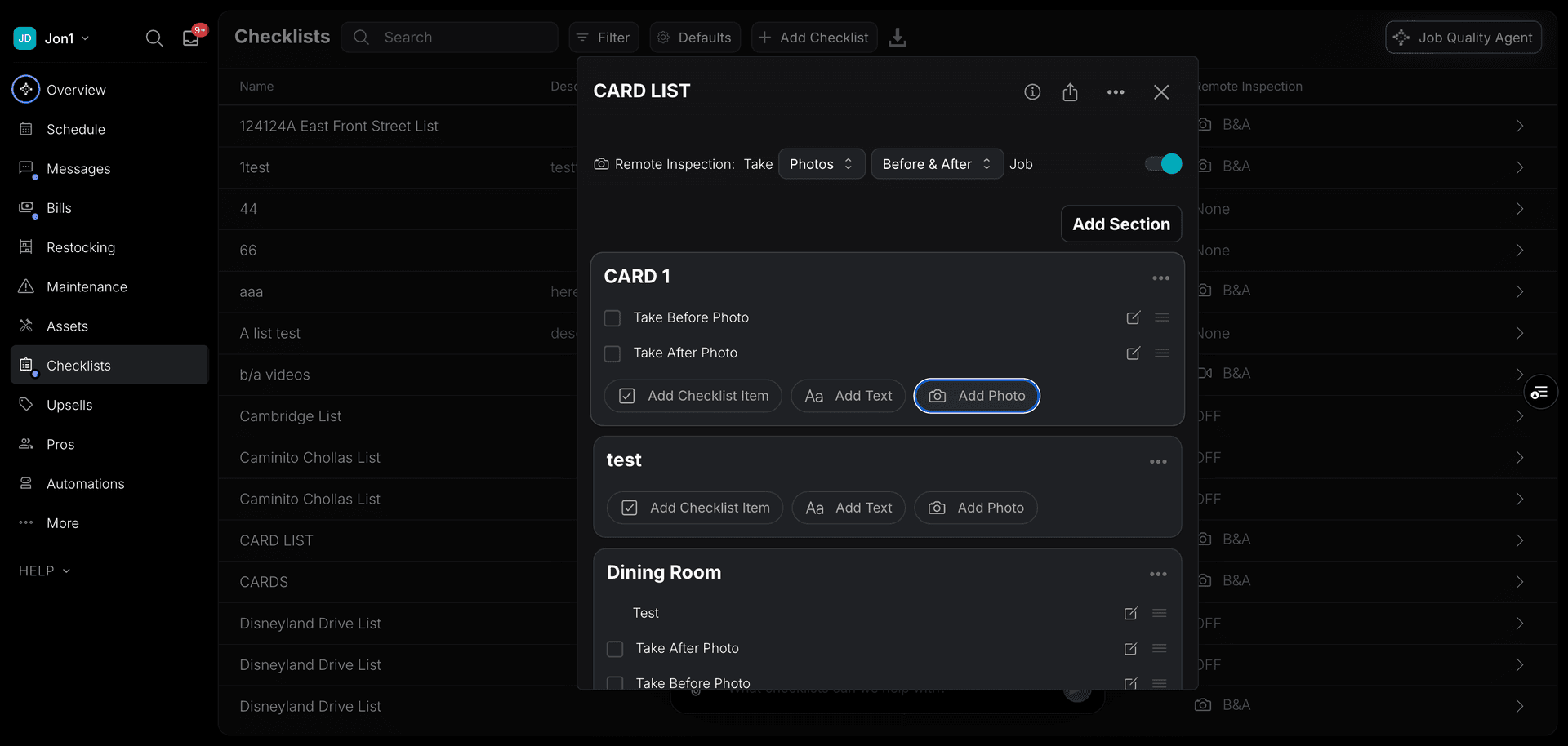
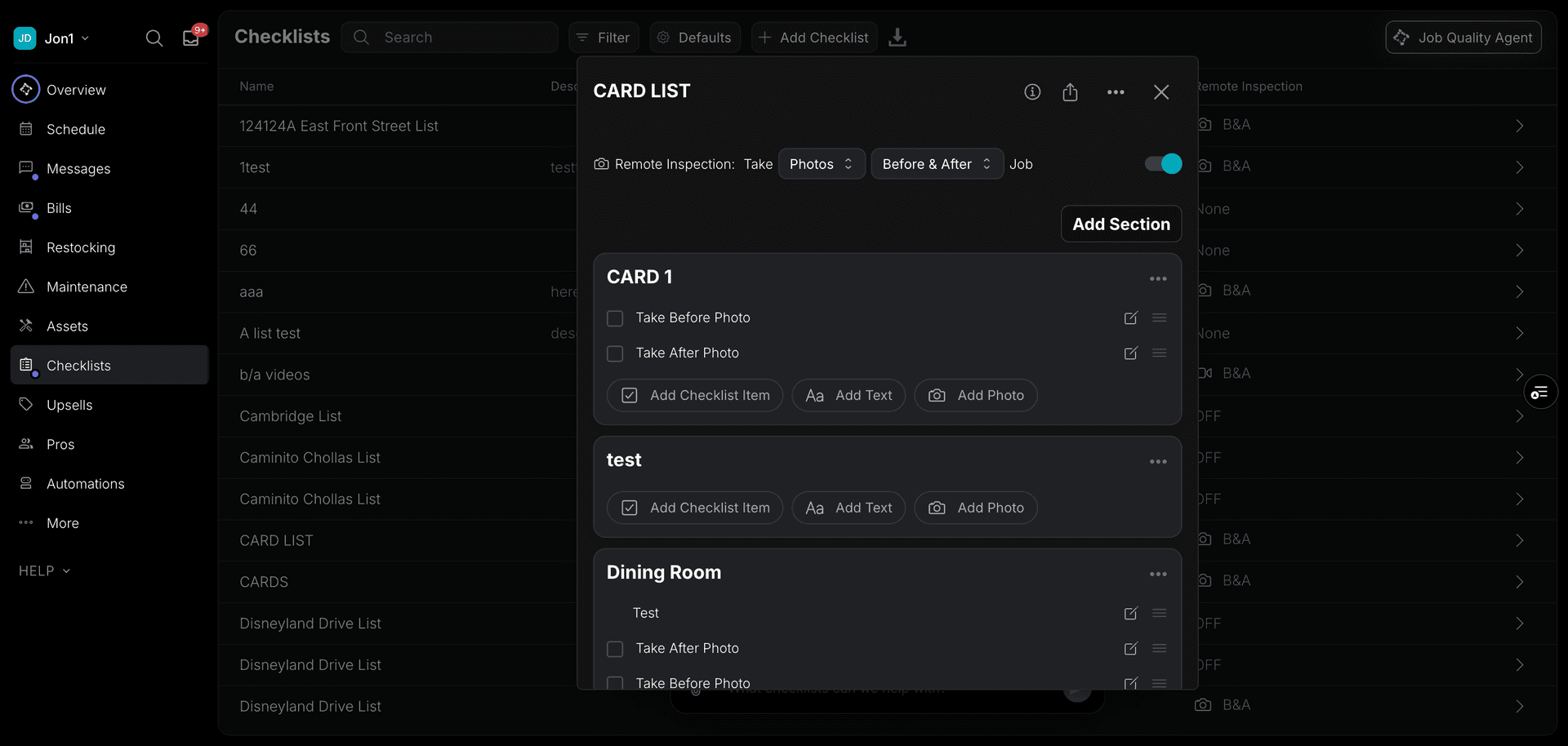
- You set up the rooms in your house.
- You can start with what is most popular for similar houses.
- You customize each checklist the way you want.
Checklists
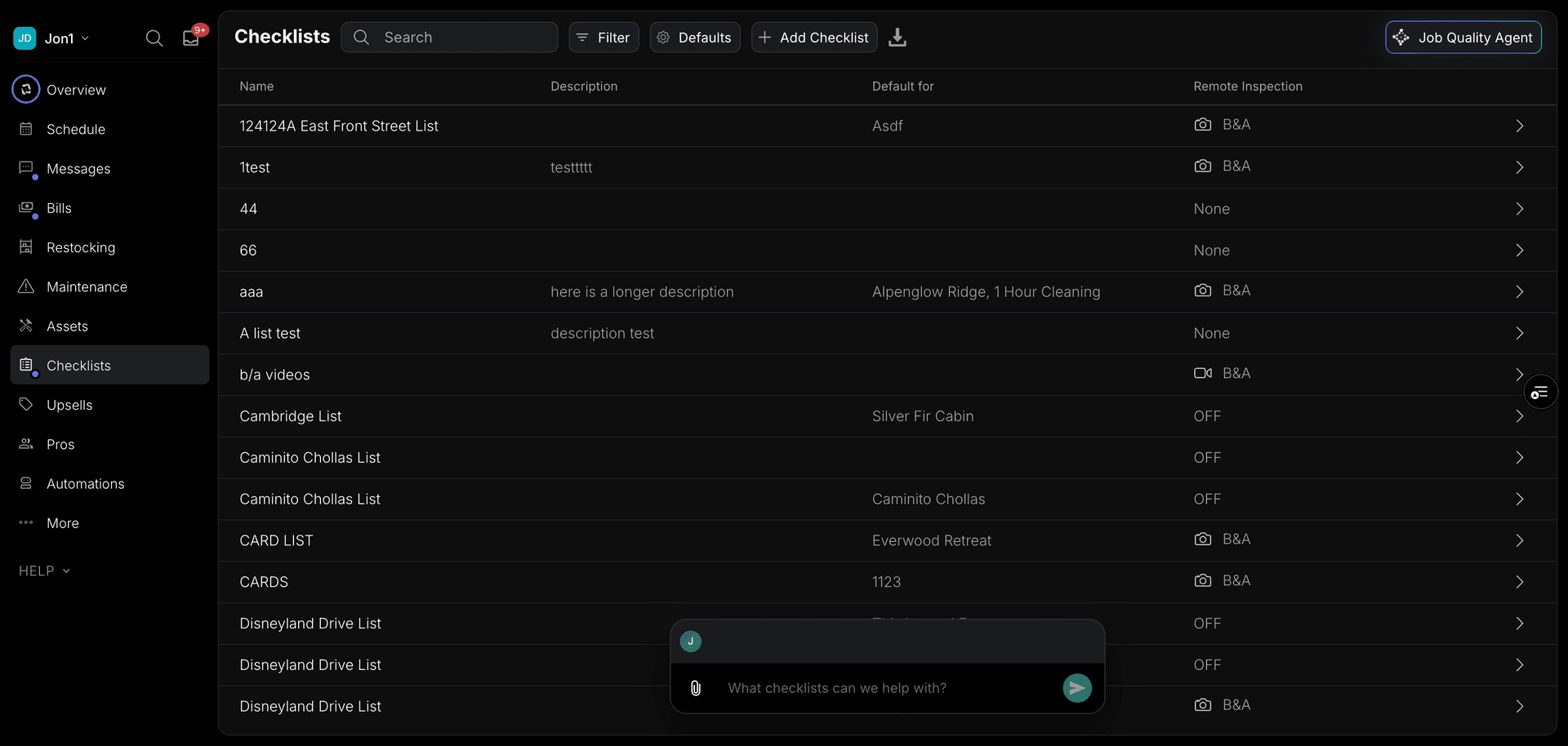
Checklist items are organized into checklists. You can have many checklists per address, and you can assign a different checklist for each job. Or have it default to one checklist each time.
Adding Checklists
Tap the "Add" in the "Checklists" section and you should see an option to add a new checklist.
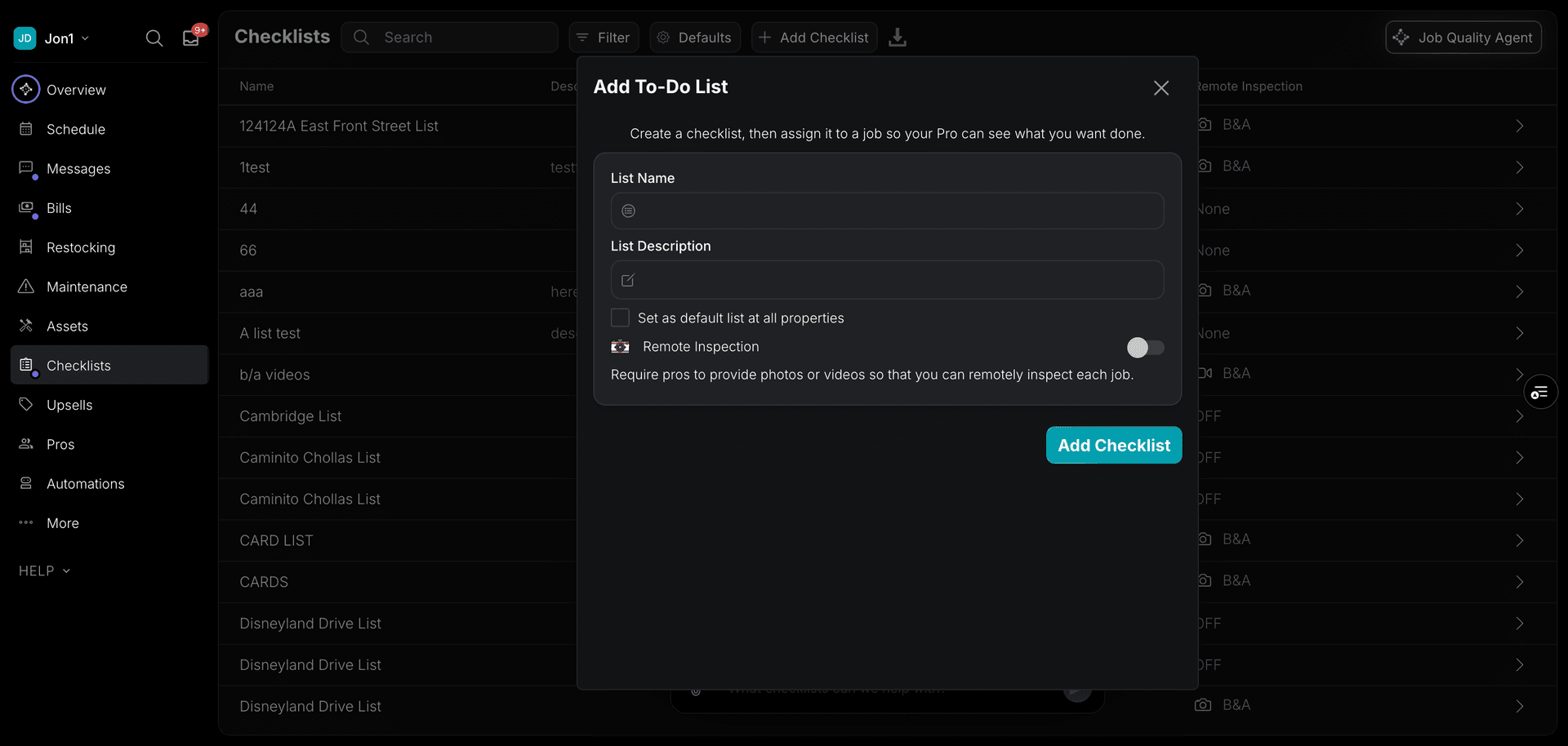
- Select the address to add your checklist
- You can copy from another address if you’d like
- Add a name to the checklist
- Click on the "Add Checklist" button.
Adding a description
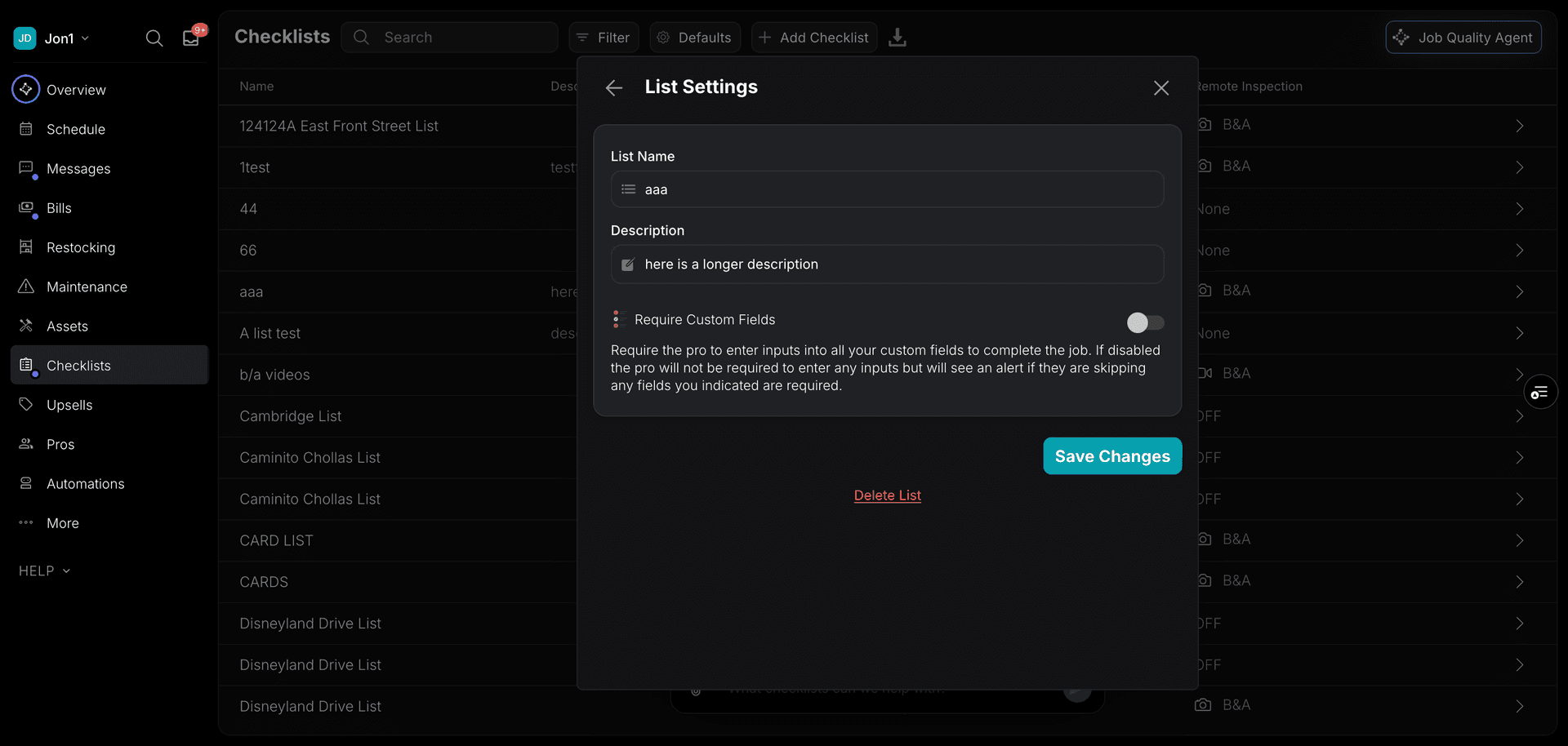
You can add a description to your checklist with overall information about what it covers. The description can be added, edited, and deleted as needed.
Turning Off Checklists
First, we will note that it is no problem if you don’t want to use checklists. In fact, this is what we recommend if for any reason you don’t like them. Here is where to do that:
Just uncheck the box that says "Use Checklists" at the property.
Cards
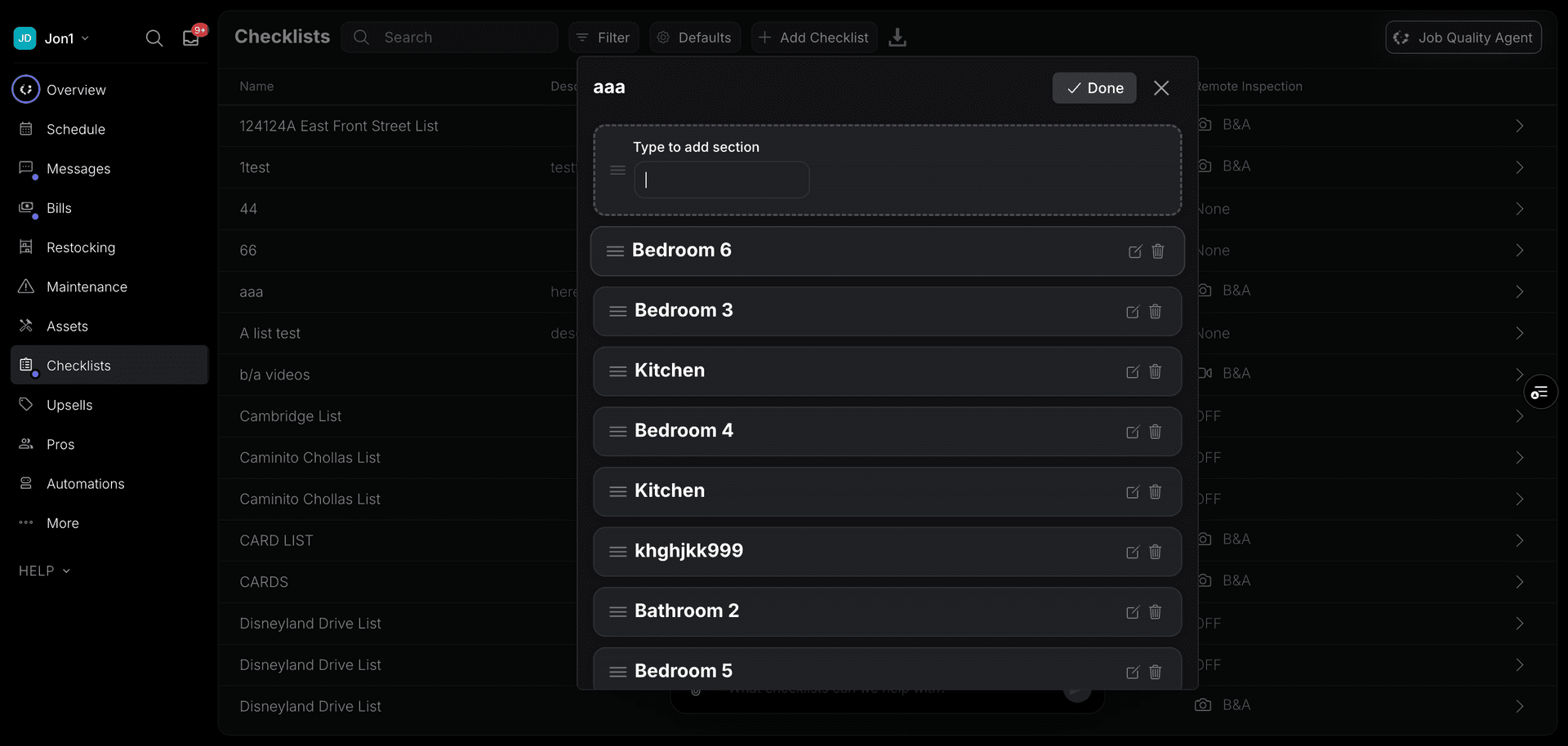
We recommend first making sure you have the right rooms in your house before editing any checklist items. If the cards are wrong, it can confuse your Pros.
Adding/Editing Cards
To do that, go to the "Checklists" section of the app and select one of your checklists.
You can add cards by tapping the "+" button.
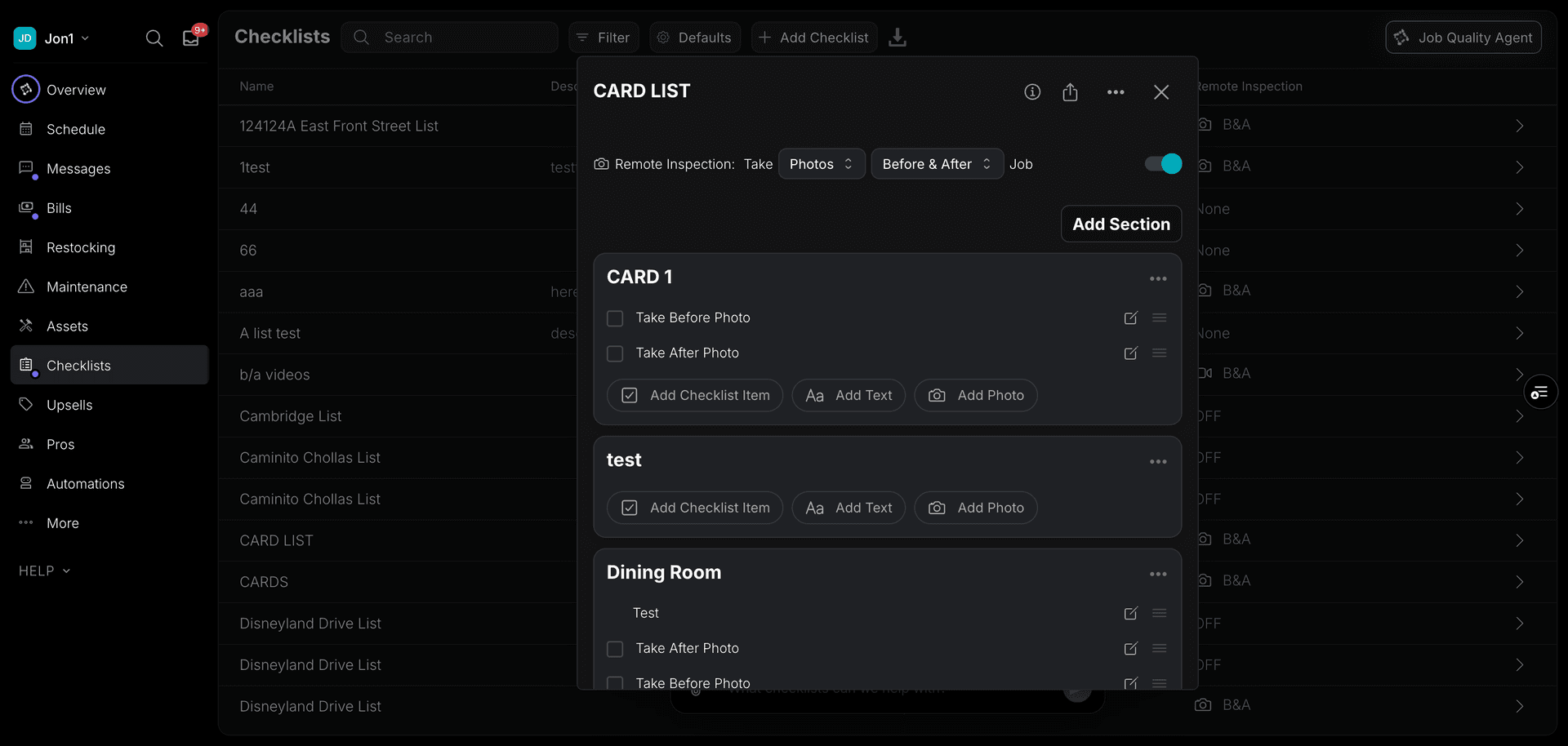
Card Photos
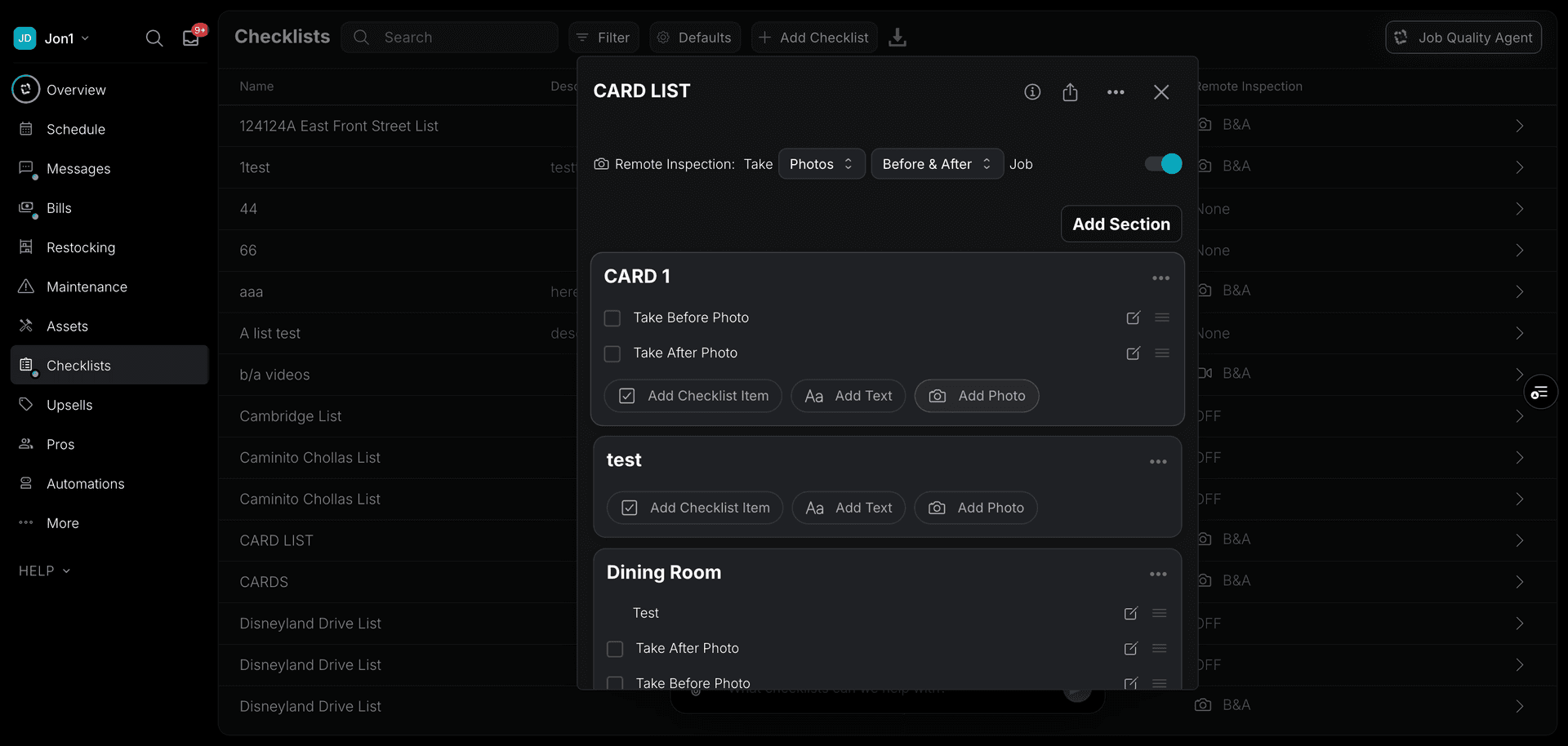
Card photos are good to show what a room looks like or other information that isn’t related to some specific checklist item (you can add Photo Notes on a checklist item, which is better for that).
To add a photo to your card, tap on the card you wish to update and then on "+Add".
Mark Rooms as "Do Not"
In the room settings, you can also indicate that you "Do Not" want someone to clean or do anything in a room. For example, if you have an office that you never want someone to go into, it’s best to add the room but label it as "Do Not" and add a photo of the door so they know what to avoid.
Checklist Item Features
Marking Items as Important
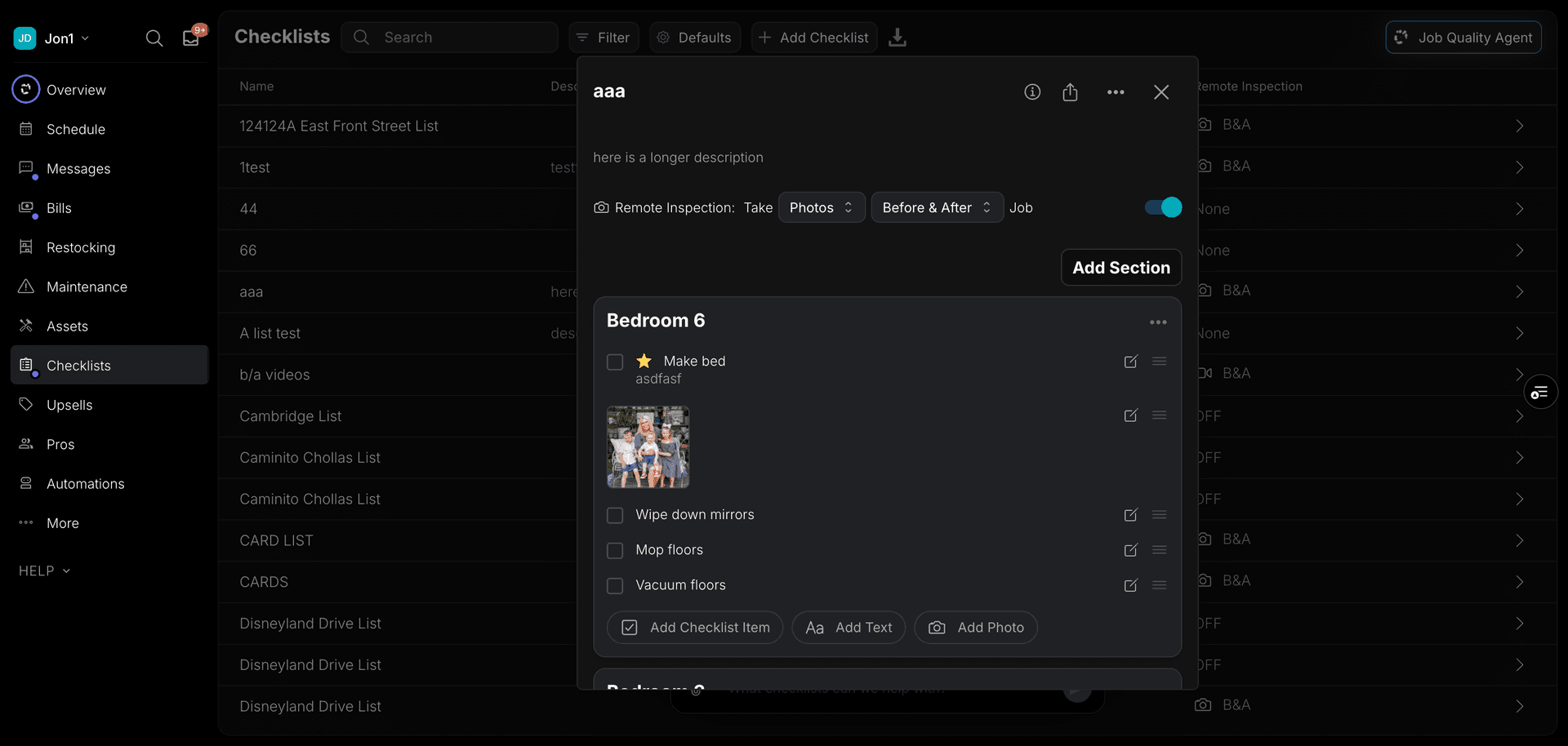
You can mark individual checklist items as important using the star icon. Important items are highlighted so pros know to pay extra attention to them. The importance setting is saved automatically and will persist when you close and re-open the checklist.
Custom Fields on Checklist Items
Checklist items can have Custom Fields attached to collect information from pros while they work. For example, you can add a select field to ask about the condition of an item, or a text field for notes. Custom fields can be added, edited, and removed from checklist items at any time.