TIDY Concierge
The Concierge combines our AI agent with 24/7 humans to help.
AI can make mistakes. Please verify important information.
Inspections
TIDY manages property inspections from preparation through documented completion. It can add photo and video checks to another job, book a stand-alone inspection with your approved pros, or run the preparation and follow-up for an official agency inspection.

- Inspections While Doing Other Jobs
- Stand-Alone Inspections
TIDY books stand-alone inspection jobs according to your property settings, access rules, preferred pros, and approval limit.
Section 8 Housing Choice Voucher Inspections
For a Housing Choice Voucher tenancy, TIDY checks which standard and local inspection options the PHA currently uses, prepares the unit against that checklist, coordinates resident and inspector access, and tracks the official appointment. Some PHAs use HQS and others use NSPIRE during the federal transition, so the case records the standard that applies to that PHA and inspection date.
If the inspection identifies deficiencies, TIDY:
- Records the official finding, severity, responsible party, and correction deadline.
- Creates repair work and books it with your approved pros.
- Tracks life-threatening and other deficiencies on their required timelines.
- Collects photos, invoices, and completion evidence.
- Submits proof when the PHA accepts remote verification.
- Coordinates any required reinspection and follows the case through resolution.
The PHA controls the official result. TIDY’s readiness review, remote photos, or a pro’s inspection do not replace the PHA or authorized inspector’s official determination. TIDY manages the process and repairs; the agency records the pass, fail, or approved alternative pathway.
See Section 8 & Housing Choice Vouchers for the full PHA lease-up and ongoing inspection workflow.
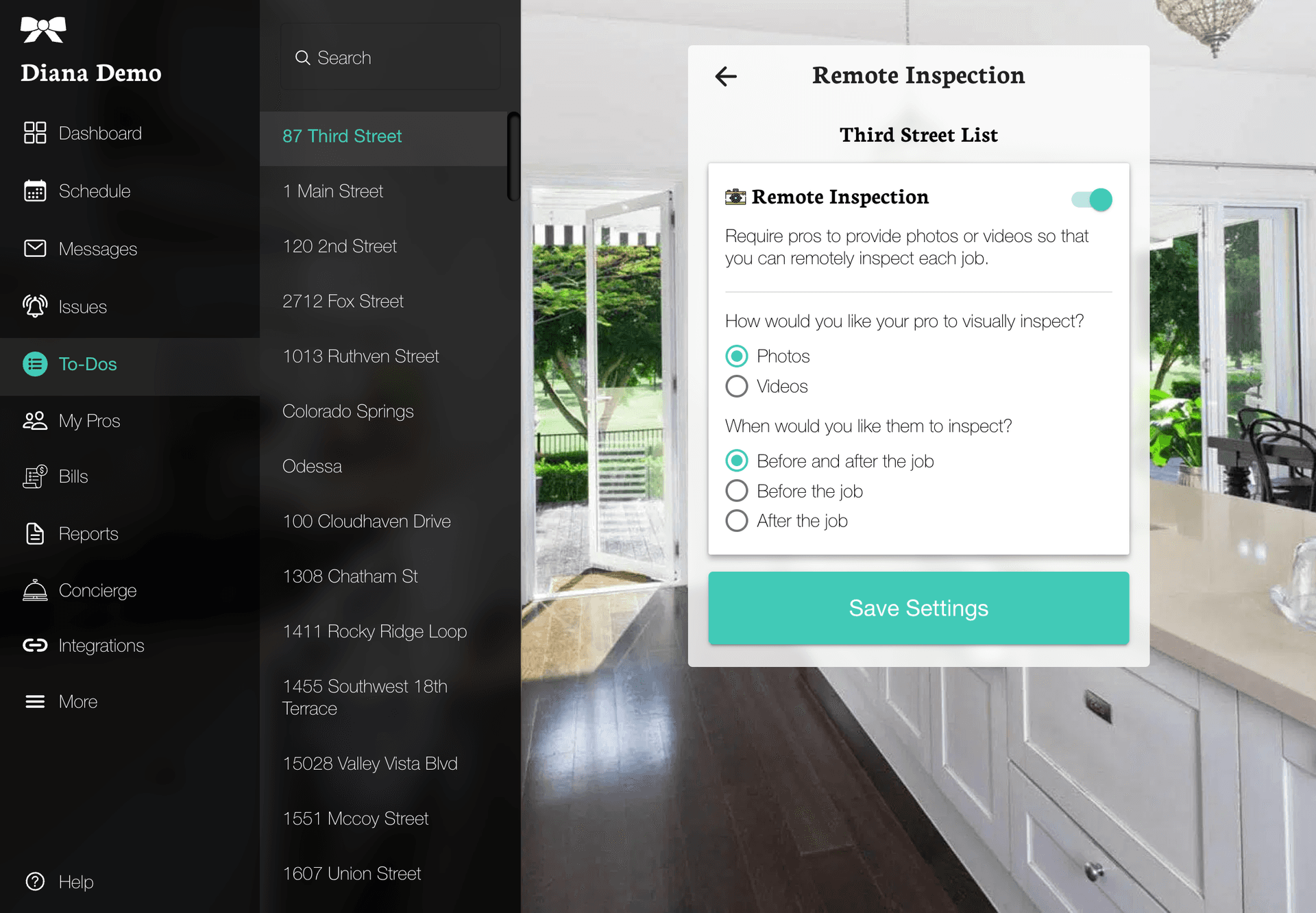
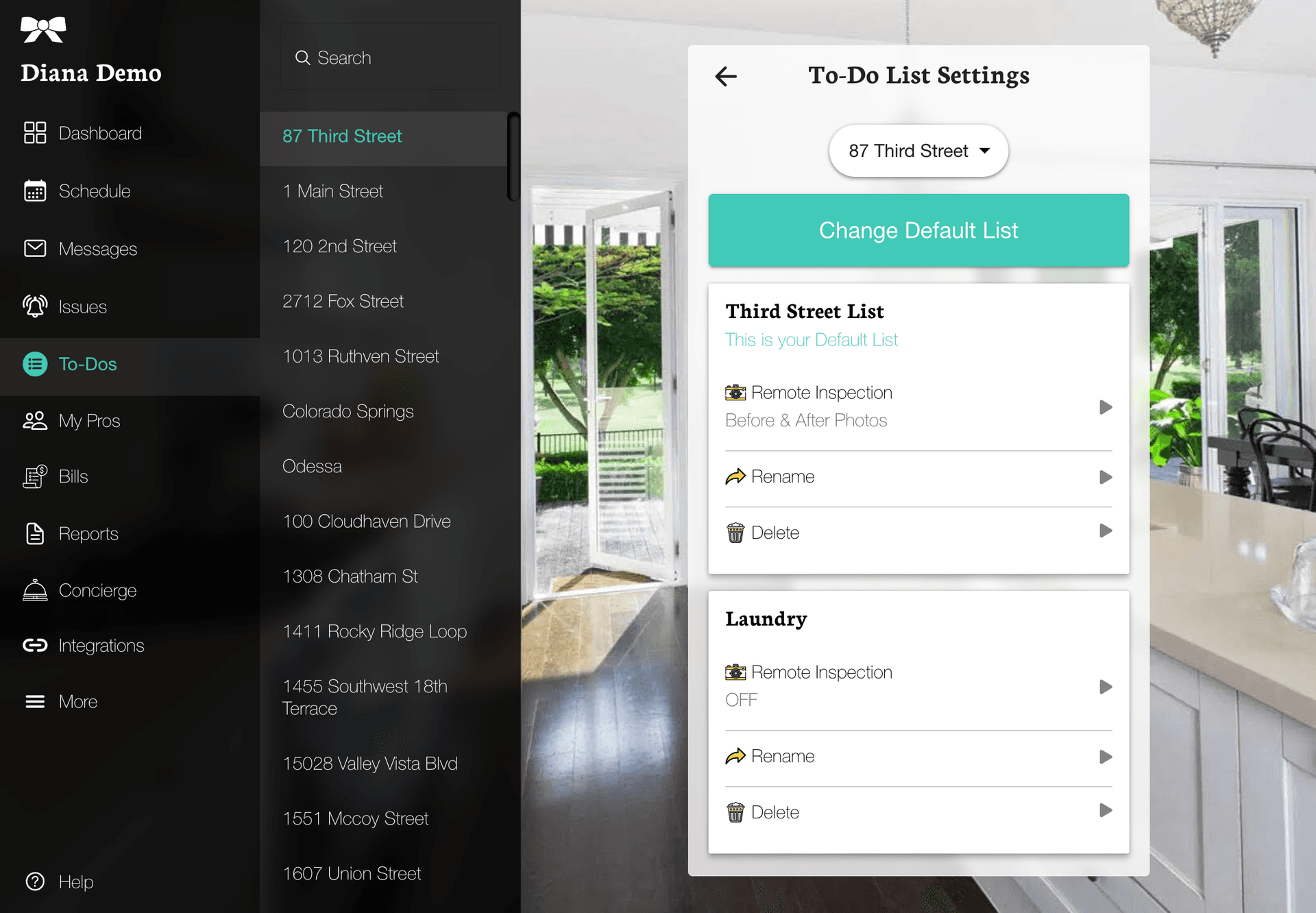
For ordinary property inspections, TIDY configures Remote Inspections and Custom Fields on existing jobs or stand-alone inspection checklists. You can review or change the evidence you want collected in your property settings.
Remote Inspection
TIDY uses Remote Inspection when photo or video evidence is needed for each room before the job, after the job, or both.
TIDY enables the requirement on the appropriate checklist, your pros submit the requested photos and videos, and TIDY attaches the finished report to the property and related job.


Every Remote Inspection needs at least one checklist item. TIDY adds the required items when configuring the workflow; the editor flags an inspection list if an authorized team member removes its last item.
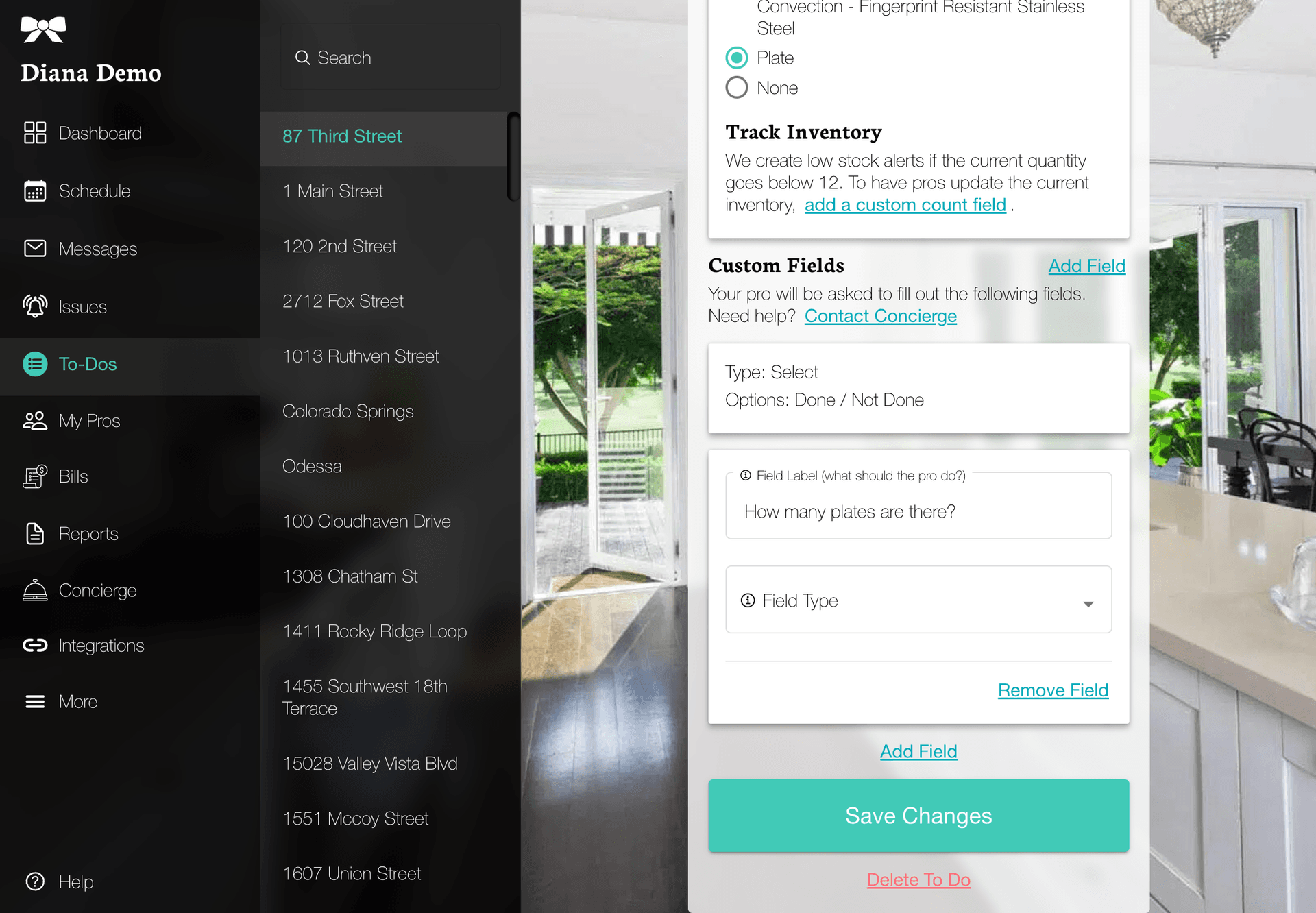
Checklist Items and Custom Fields
TIDY adds custom fields when an inspector or other pro needs to return structured answers with the checklist — for example, "Is there mold?", "How many plates are there?", or "How would you rate the condition of X?". The answers become part of the inspection record and can trigger follow-up work.