
TIDY Concierge
The Concierge combines our AI agent with 24/7 humans to help.
AI can make mistakes. Please verify important information.
Sending Job Payments
You can send a direct payment to any of your pros for services completed outside the normal invoice flow. To send a payment:
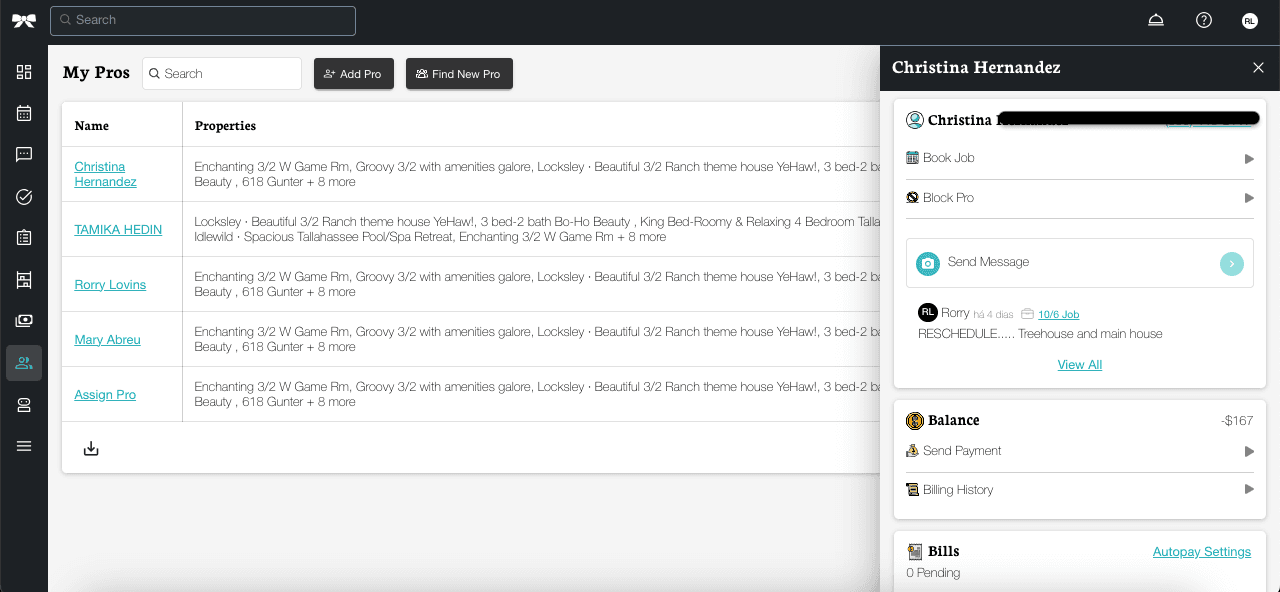
- Go to My Pros and select the pro you want to pay
- Tap Send Payment

On the Send Payment page, fill in the details for the payment:
- Service Category — Select the type of service (Cleaning, Laundry, etc.)
- Service — Choose the specific service within that category
- Job Date — The date the service was performed
- Job Time — The time slot
- Amount — The payment amount
- Payment Method — Select from your saved cards
As you enter the amount, TIDY will automatically show a payment preview with any processing fees so you can see the total charge before submitting.

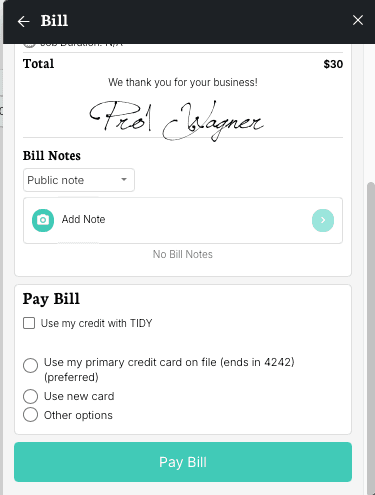
On the Invoice page, you can choose the best payment method:
- Use my credit with TIDY.
- Use my credit card on file.
- Use a new credit card.
- Other options
Credit card and check transactions are automatically tracked. Any other type of transaction must be recorded by you or the customer for tracking, but we make it easy. Tracking payments is a great way to ensure you get paid accurately, pay taxes easily, and for other important accounting reasons.
